
Google Ads Landing Pages: Fix Clicks but No Leads
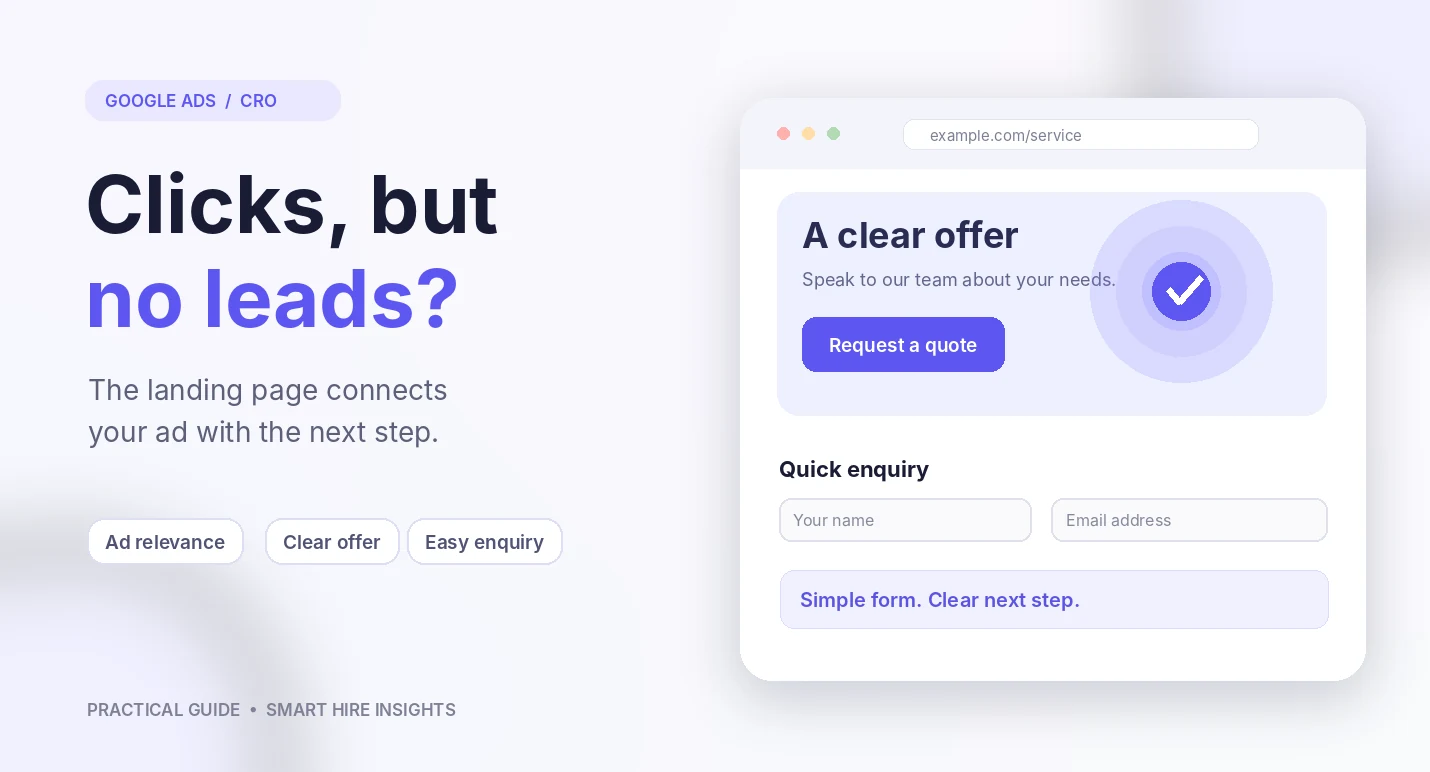
Your Google Ads campaign may be getting clicks, but if visitors leave without calling, filling out a form, or buying, the campaign is not doing its full job. Google Ads landing pages should match the promise in the ad and make the next step clear. The problem may be the traffic, the offer, the page, or the way you measure results.
A landing page is the page someone reaches after clicking an ad. It should match what the ad promised and make the next step easy. Google says the usefulness and relevance of that page, along with navigation and the visitor’s expectations, can affect landing page experience. See Google’s landing page guidance.
Before you raise your budget, review these common problems and fix the ones that apply to your business.
1. Google Ads Landing Pages Must Match the Ad
Imagine a homeowner in Denver searches for “same-day water heater repair.” The ad promises quick service, but the page opens with a general description of every plumbing service the company offers. The visitor has to hunt for water heater repair and cannot tell whether same-day appointments are available.
That gap can make people leave. The page should continue the same conversation that started in the ad.
How to fix it:
- Use a headline that matches the service or offer mentioned in the ad.
- Explain what the customer gets and which locations you serve.
- Make sure the offer in the ad is still available on the page.
- Send each ad group to the most relevant service page when possible.
2. Visitors Cannot Tell What to Do Next
A landing page should have one clear main action. That might be booking an appointment, requesting a quote, calling the business, or buying a product.
If your page has several competing buttons, a long navigation menu, pop-ups, and paragraphs of general company information, customers may not know where to start.
Place the main action where visitors can see it without searching. Use plain button text such as “Request a Free Estimate” or “Book a Consultation” only when that is the action you actually offer.
Then check the full path. The button should work, the form should submit, and the confirmation message should tell visitors what happens next.
3. The Page Makes Customers Work Too Hard
A person who clicks an ad is already spending time and may be paying attention for only a short period. Do not make that person solve a puzzle.
Keep the page focused. Put the service, key benefits, service area, and next step near the top. Move background details and less important information lower down.
For a local HVAC company, the top of the page might include the repair service, the city or service area, the phone number, and a booking option. A long company story can come later.
4. Your Form Asks for Too Much Information
Every extra form field asks the visitor to do more work. Some details are necessary, but asking for information you do not need can discourage people from finishing.
Start with the information your team needs to respond, such as a name, contact method, service needed, and ZIP code. Ask for more details later if the first conversation shows they are needed.
The right form length depends on the business. A request for a quick estimate may need fewer fields than an application for a complex commercial project. Keep the form as short as the job allows.
5. The Page Does Not Build Trust
People may hesitate to contact a business they have never used. Your landing page should answer basic questions that help them decide whether to take the next step.
- Show the business name, phone number, and service area clearly.
- Explain what is included in the service and what happens after someone submits a form.
- Use genuine reviews, certifications, team information, or project photos when you have permission to share them.
- Make pricing, guarantees, or time estimates clear when you can support those claims.
- Include a real privacy notice near forms when you collect personal information.
Do not add fake reviews or claims such as “best in America” just to make the page look more convincing. Honest details are more useful than promises you cannot prove.
6. The Mobile Experience Is Poor
Many people research local services on a phone. If the page is hard to read, the buttons are difficult to tap, or the form does not work well on a small screen, you may lose potential customers.
Test the page on a real phone, not just in a desktop preview. Check text size, button spacing, phone links, form fields, and how quickly the main content appears. Google recommends fast, mobile-friendly landing pages with simple navigation in its landing page optimization guidance.
7. Your Ads Bring the Wrong Visitors
Sometimes the landing page is not the main problem. The campaign may be paying for searches that have little chance of becoming a sale.
Review the actual searches that triggered your ads. Look for unrelated terms, job seekers, people looking for free advice, or searches from places you do not serve. Add negative keywords when they fit the situation and review location settings.
For example, a company that installs commercial security systems should not automatically treat every click about home security cameras as a qualified prospect. Match the campaign to the work the company wants to sell.
8. Conversion Tracking Is Missing or Incorrect
A campaign cannot be judged properly if the account does not record what happens after the click. Check that important actions are counted once and that test submissions or internal activity are not being mistaken for real customer leads.
For a service business, track useful actions such as completed inquiry forms, qualified phone calls, and booked appointments. If your team uses a CRM, record which leads become real opportunities and sales. This helps you judge quality instead of counting every contact as equal.
A Simple Landing Page Review Checklist
1. Read the ad, then open the landing page. Does the headline match the promise?
2. Can a new visitor tell what you sell, where you work, and what to do next?
3. Does the main button work on a phone and desktop?
4. Can the form be completed without confusion or unnecessary questions?
5. Are reviews, claims, prices, and service details accurate?
6. Do the search terms and locations match the customers you want?
7. Are calls, forms, bookings, and sales measured correctly?
Test Changes One at a Time
When you change the headline, form, offer, and page layout at the same time, it becomes hard to tell which change helped. Start with the most obvious problem and make one meaningful change. Compare the result with the earlier version using the same measurement period and conversion rules.
Do not judge success only by a lower cost per click or a higher number of form submissions. Look at qualified leads, booked meetings, sales, and cost per customer when you have enough information to measure them.
Frequently Asked Questions
Should every Google Ad have its own landing page?
Not always. But the destination should closely match the search and the offer. Separate pages can help when ads target very different services, audiences, or needs.
How long should a landing page be?
Long enough to answer the questions that matter and short enough to keep the next step clear. A simple local service may need a short page. A costly or complex service may need more proof and detail.
Should I increase my ad budget if leads are low?
First find out why leads are low. More budget can bring more clicks, but it will not solve a broken form, a weak offer, or irrelevant traffic.
Turn More Clicks Into Useful Inquiries
Match the page to the ad, answer key questions, and make the next step clear. SmartHire can review your campaign and landing page.
Interested in learning more about our solutions? Read about our Google Ads services.
Turn More Clicks Into Useful Inquiries
Request a campaign and landing page reviewRelated articles
Google Ads AI Max for Small Businesses: What to Know Before You Switch It On
Explore how Google Ads AI Max affects search matching, ad copy, landing pages and the campaign controls small businesses should check before testing.
Google AdsGoogle Ads ROI: What's a Good ROAS? Benchmark & Optimization Tips
Confused about ROAS? This guide covers industry benchmarks, what's realistic for your business, and how to improve your Google Ads ROI.