
How to Get Your Business Featured in Google AI Overviews in 2026
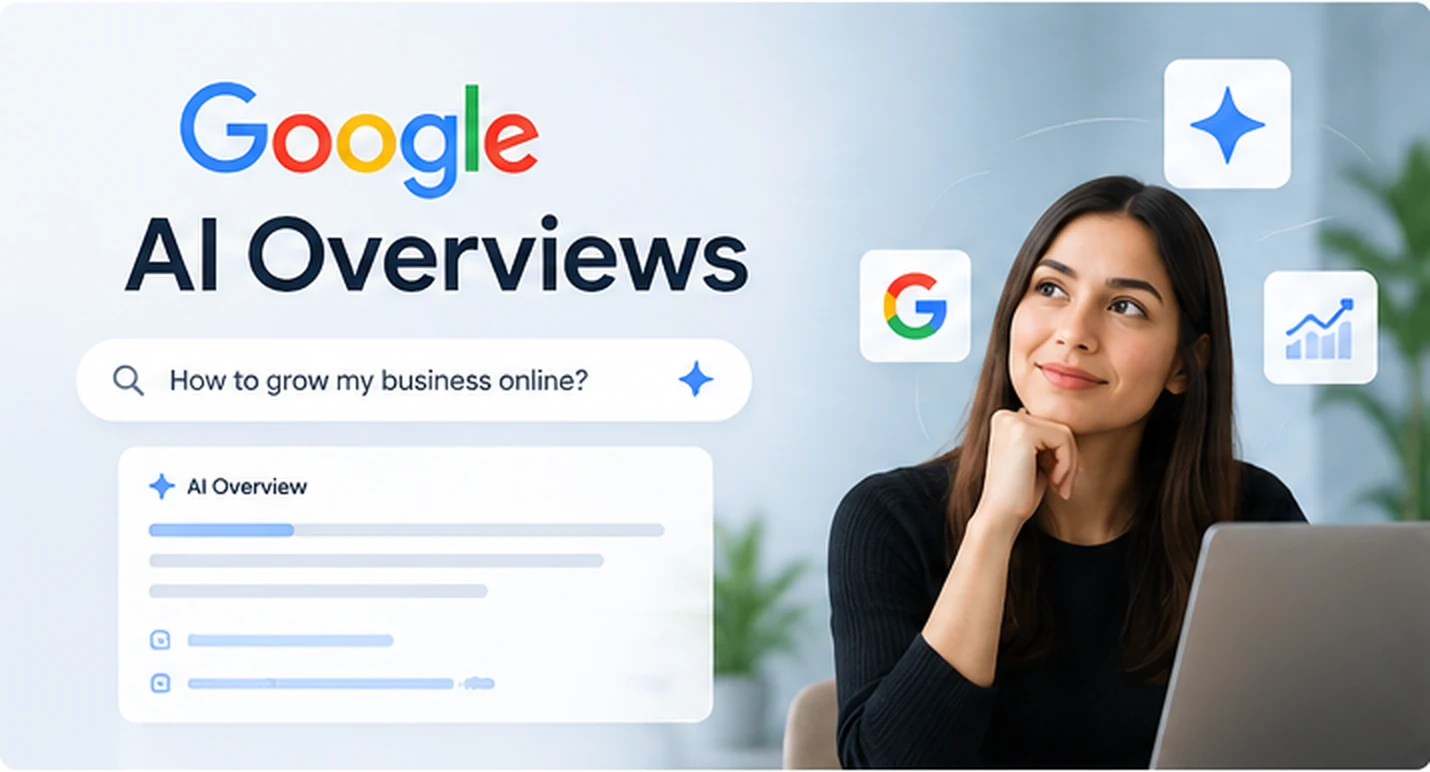
Imagine someone searches Google for the best way to improve their website, find a local service, or choose a software company. Instead of seeing only a list of websites, they may see an AI-generated answer with links to useful sources.
This feature is called Google AI Overviews. It gives people a quick answer to certain searches and helps them explore websites for more information.
For businesses, appearing in these results can create another way for potential customers to discover their services. But there is no secret trick that guarantees a mention. Google says the same SEO basics still apply. Your website needs to be accessible to Google, follow its guidelines, and provide helpful, reliable information. Google's official guidance explains these requirements.
So, how can you improve your chances of appearing in Google AI Overviews? Start by making your website genuinely useful to the people you want to reach.
What Are Google AI Overviews?
Google AI Overviews are AI-generated summaries that appear in some Google search results. They help people understand a topic without having to open several websites first.
For example, someone in Toronto might search for:
"How can I get more leads from my business website?"
Google may display an AI-generated answer that covers website design, search engine optimization, calls to action, and other useful steps. The answer may also link to websites that provide more details.
This creates an opportunity for businesses that publish helpful content.
Your website does not need to be a famous publication or a large company to be eligible. However, Google must be able to find and index your content, and its systems decide which pages, if any, to show. Being eligible does not guarantee that your website will appear. Google's AI search documentation explains this distinction.
How to Get Your Business Featured in Google AI Overviews
There is no guaranteed shortcut. These steps can help make your website easier for people and search engines to understand.
1. Answer Your Customers' Questions Clearly
Think about the questions your customers ask before they buy.
A business selling website development services may hear questions such as:
- How much does a business website cost?
- How long does website development take?
- Should I use Shopify or WooCommerce?
- Can I improve my website without rebuilding it?
- How can my website generate more enquiries?
These are useful starting points for blog posts and service pages.
Answer the main question near the beginning of the page. Then explain the details, share examples, and help the reader decide what to do next.
For example, a blog about website costs should explain the factors that affect pricing, such as the number of pages, required features, design needs, and integrations.
Do not make readers scroll through several paragraphs of company history before giving them the answer they came for.
Practical tip: Before writing a blog, list five questions customers ask during sales calls. Use the most useful question as your starting point.
2. Write Content That Gives Readers Something Useful
Many websites publish articles that repeat the same advice found everywhere else. This makes it difficult for readers to find a real reason to trust or remember the business.
Give people information they can use.
A blog about Google Ads, for example, could include:
- A sample budget breakdown.
- An explanation of how negative keywords work.
- A checklist for reviewing search terms.
- Examples of common landing page mistakes.
- A simple method for tracking qualified leads.
You can also include your own observations from client projects, provided the information is accurate and you have permission to share it.
Google's helpful content guidance encourages original, useful information rather than pages that simply repeat what other websites say.
The goal is simple. Give readers a clear reason to visit your page instead of settling for a general answer.
3. Create Separate Pages for Important Services
Suppose your company offers website development, SEO, Google Ads, and social media advertising.
Putting every service on one crowded page makes it harder for visitors to find the information they need.
Create a dedicated page for each important service. Explain what the service includes, who it helps, which problems it solves, and how customers can get started.
For example, a Google Ads service page should answer questions such as:
- Which businesses can benefit from Google Ads?
- What does campaign management include?
- How are advertising results measured?
- What can affect the cost of acquiring a customer?
- What information is needed to start a campaign?
A separate page for each service also gives you a clearer place to link to relevant blog posts.
Example: Your article about wasted Google Ads spend could link to your Google Ads management page. A reader who needs professional help now has a clear next step.
4. Show Real Experience and Expertise
Anyone can publish an article explaining how a business works. What makes your content worth trusting is the quality of the information and the evidence behind it.
Show readers why your advice is credible.
Depending on the topic, this may include:
- Examples from actual projects.
- Original screenshots or photos.
- Lessons learned from real client work.
- Clear explanations written or reviewed by a knowledgeable person.
- Useful data with a reliable source.
- An author profile that explains relevant experience.
For instance, a web development company could explain how it improved a client's contact form or simplified a confusing service page.
Do not invent results, testimonials, client names, or case studies. A smaller example supported by real evidence is more valuable than an impressive claim you cannot prove.
For sensitive subjects such as healthcare or financial services, make sure the content is reviewed by a suitably qualified professional when appropriate.
5. Organize Your Content So It Is Easy to Follow
Readers should be able to understand your page without working hard to find the answer.
Use clear headings that describe what each section covers. Keep paragraphs short and explain technical terms in everyday language.
For longer articles, use numbered steps, bullet points, tables, or examples where they genuinely help.
Consider a blog about local SEO. Rather than placing everything under a heading called "Our Strategy," use more specific headings such as:
- How to Improve Your Google Business Profile
- How to Get More Genuine Customer Reviews
- How to Create Useful Location Pages
- How to Measure Local Search Performance
This structure makes the page easier to scan and helps readers jump to the information they need.
Write for people first. Do not force the same keyword into every heading or paragraph.
6. Fix the Technical SEO Problems That Stop Google From Finding Your Content
Even excellent content needs a website that works properly.
If Google cannot access or index an important page, that page may not appear in its search results. Google also requires a page to be eligible to appear with a search snippet before it can be shown as a supporting link in AI Overviews.
Review these technical basics:
- Indexing: Check whether important pages are indexed in Google.
- Crawl access: Make sure search engines are not blocked from pages you want them to find.
- Internal links: Link related blogs and service pages so visitors and search engines can discover them.
- Mobile experience: Make sure the website works well on phones and tablets.
- Page speed: Fix unnecessary delays that make pages frustrating to use.
- Readable content: Keep important information available as visible text instead of placing everything inside images.
- Structured data: Use relevant structured data where appropriate, and make sure it matches the information visitors can actually see.
You do not need a special AI schema or a secret file to become eligible for Google AI Overviews. Google's documentation says there are no additional technical requirements specifically for these features. Read Google's technical guidance.
7. Keep Your Business Information Accurate
This step matters especially for local businesses in the US and Canada.
Your website should clearly explain who you are, what you do, and where you serve customers.
Check that your business name, contact details, service areas, opening hours, and other important information are accurate wherever you publish them.
For example, a home renovation company serving Mississauga and Toronto should explain which areas it covers and what types of projects it handles.
Avoid creating dozens of location pages by changing only the city name. Each location page should provide useful information for people in that area.
If you run a local business, maintain your Google Business Profile and make sure its information is up to date.
These steps help customers understand your business and support the basic information search engines use to understand your online presence.
8. Add Helpful Images, Videos, and Real Examples
Text is important, but some information is easier to understand when people can see it.
A web development company might show a before-and-after website comparison. A manufacturer could use photographs to explain a production process. A software company could share a short demonstration of how its product works.
Use images and videos when they add value, not simply to make a page look busy.
Remember to use descriptive image file names and helpful alternative text where appropriate. Make sure the media supports the topic of the page and does not slow the website unnecessarily.
Google's guidance for AI features in Search also recommends useful images and videos where relevant.
9. Link to Reliable Sources and Related Pages
Good content helps readers check facts and explore a subject in more detail.
When you refer to a Google feature, link to Google's official documentation. When you explain a technical standard, link to a reliable source that covers it.
You should also link to relevant pages within your own website.
For example, an article about AI search optimization could link to your technical SEO service page, website development page, and a related article about website performance.
Only add links that help the reader. A page filled with unrelated links is not more useful simply because it contains more links.
10. Review Old Content Instead of Only Publishing New Blogs
Publishing new content is not the only way to improve your website.
Some of your existing pages may already receive impressions but attract few clicks. Others may answer questions that have changed over time.
Review your content and look for opportunities to improve it.
You may need to:
- Replace outdated information.
- Add an example that explains a difficult point.
- Remove repeated sections.
- Improve a vague headline.
- Add missing answers to common customer questions.
- Fix broken links or technical errors.
Keep useful pages that serve your audience. Update content when you have something meaningful to add, rather than changing a publication date to make a page appear fresh.
What Should You Avoid When Optimizing for Google AI Overviews?
Some businesses may be tempted to look for special tricks to get their content selected. That is the wrong approach.
Google's guidance does not require a separate AI optimization system. The same core SEO principles still matter. Google explains the requirements here.
Avoid these mistakes:
- Publishing large numbers of similar AI-generated articles. More content does not automatically mean better visibility.
- Repeating keywords unnaturally. Write in the way customers speak and search.
- Making unsupported claims. Only publish facts, statistics, and results you can back up.
- Adding irrelevant structured data. Markup should accurately describe the visible content.
- Copying competitors. Add your own knowledge, examples, and explanations.
- Ignoring technical SEO. Helpful content still needs to be discoverable and accessible.
- Expecting instant results. Search visibility can take time, and appearing in an AI Overview is never guaranteed.
AI tools can help with research, outlining, editing, and content development. The final article still needs careful checking, original value, and a clear purpose.
How to Track Your Visibility in Google AI Overviews
You should not judge your SEO work by rankings alone. Track whether your website is becoming more visible and whether that visibility leads to useful business outcomes.
An important update arrived in 2026. Google announced dedicated reporting for generative AI search features in Search Console on June 3, 2026. Google confirmed that these insights had rolled out to websites worldwide by August 31, 2026. The reports include information about impressions, pages, countries, devices, and performance over time. Read Google's announcement.
Here is how to use that information.
Step 1. Check Which Pages Appear
Open Google Search Console and review the generative AI performance reporting available for your website.
Look at which URLs receive impressions in AI search features. Identify the blog posts and service pages that appear, then check whether those pages are useful and up to date.
Step 2. Review Your Target Countries
If SmartHire is targeting customers in the United States and Canada, look at performance by country where the report provides it.
This helps you understand whether your content is gaining visibility in the markets that matter to your business.
Step 3. Compare Results Over Time
Do not draw conclusions from a single day.
Look for changes over several weeks or months. Compare visibility with changes you have made to your content and technical SEO.
Step 4. Measure Business Results Too
Visibility is useful, but it is not the final goal.
Track enquiries, booked meetings, qualified leads, and sales from your website. Use your analytics and CRM data to connect marketing activity to business results wherever the available data allows.
A page that receives fewer visits but attracts suitable customers may be more valuable than one that receives a large number of visits without producing enquiries.
A Simple 30-Day Plan to Prepare Your Website for AI Search
You do not need to rebuild your entire website to get started. Focus on a few useful improvements each week.
| Timeline | What to do | What you should have |
|---|---|---|
| Week 1 | Review your important pages, indexing, internal links, and Search Console data. | A list of problems and opportunities |
| Week 2 | Improve two or three important service pages and answer common customer questions more clearly. | More useful service pages |
| Week 3 | Publish one detailed article based on a real customer question. Add examples and links to related pages. | One strong, useful article |
| Week 4 | Review your technical fixes, check available AI search reporting, and plan the next improvements. | A clear plan for continued work |
Choose the work based on your website's actual needs. A technically sound site may need better content, while a site with valuable content may have indexing or usability problems that need attention first.
Frequently Asked Questions
Can I pay Google to feature my website in AI Overviews?
Google AI Overviews are part of organic Google Search. You cannot pay to guarantee that your website will be included in an AI-generated answer. Google Ads is a separate advertising platform.
Do I need a special AI SEO tool to appear in Google AI Overviews?
No. SEO tools can help you research keywords, review technical problems, and measure performance. However, Google does not require a special AI SEO tool or separate AI markup for eligibility.
Does publishing more blogs improve my chances?
Not by itself. Publishing useful content that answers real questions is more important than publishing large numbers of similar articles. Each page should serve a clear purpose.
Can a small business appear in Google AI Overviews?
Small businesses are eligible if their pages meet Google's requirements. However, no business can guarantee that its content will be selected. Focus on answering customer questions well, maintaining a sound website, and showing why your business is a credible source.
How long does it take to appear in Google AI Overviews?
There is no fixed timeline. Google controls which pages appear and when. Technical fixes, useful content, and better site structure can improve your website's overall search readiness, but they do not guarantee a specific result.
Make Your Website Easier to Find and Easier to Trust
Google AI Overviews are changing how some people discover information, but the basic idea behind good SEO remains the same. Help people find clear answers, explain your expertise, and make sure your website works properly.
Start with the pages that matter most to your business. Answer customer questions directly, add useful examples, fix technical problems, and measure what happens next.
Need help preparing your website for AI search?
SmartHire Technologies helps businesses improve their websites, SEO, and digital marketing. We can review your important pages, identify technical and content issues, and recommend practical improvements that support better search visibility and more customer enquiries.
Book a website and SEO review with SmartHire Technologies to identify where your website can improve.
Interested in learning more about our solutions? Read about our SEO services.
Make Your Website Easier to Find and Easier to Trust
Book a website and SEO reviewRelated articles
SEO Timeline: Why Most Businesses See Results in 90 Days (Not 30)
If you're expecting SEO results overnight, you're setting yourself up for disappointment. Here's the realistic timeline and what to expect each month.
SEO5 SEO Mistakes Costing You $10K/Month
Most businesses waste money on ineffective SEO. These 5 mistakes are costing you leads right now. Here's how to fix them.